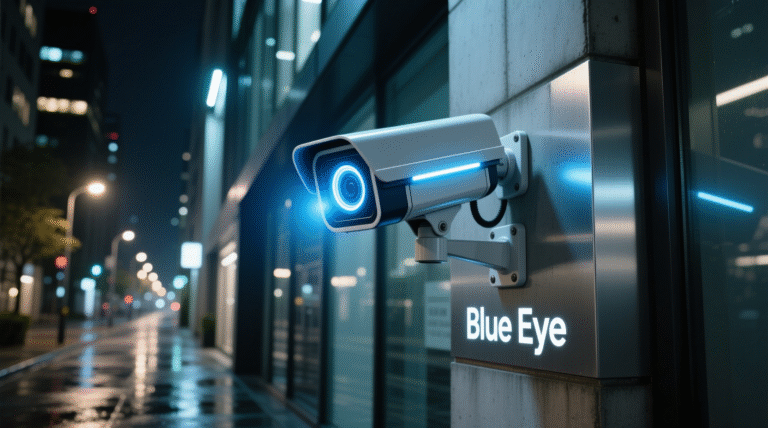
Installing a camera is not enough; you must maintain it to get clear footage. If your video looks foggy or dark, check these things:
- Clean the Lens: Dust and spider webs often block the view. Wipe it with a soft cloth.
- Check Power Supply: Loose wiring can cause video flickering.
- Hard Disk Full? Make sure your DVR is recording and overwriting old data correctly. Need a professional checkup? Call our support team.